MicroClarity OPC UA Gateway (Windows Only)

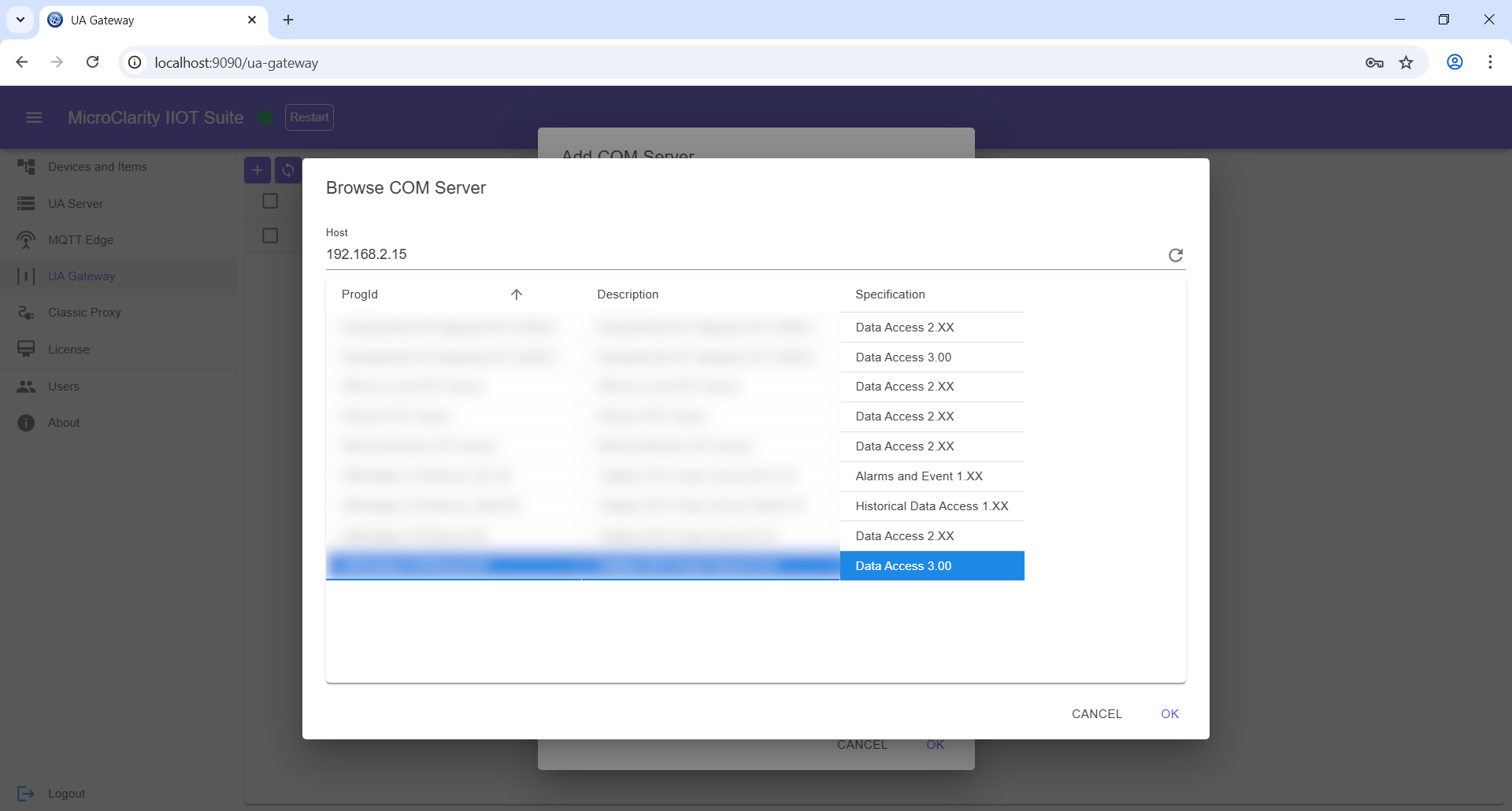
MicroClarity OPC UA Gateway wraps legacy OPC Classic servers — including DA (Data Access), HDA (Historical Data Access), and AE (Alarms & Events) — and exposes them through a modern, unified OPC UA address space. Modernize your brownfield systems without changing existing infrastructure.

OPC Classic to OPC UA Translation
OPC Classic DA, HDA & AE Support
Unified OPC UA Address Space
Modern OPC UA Security
Full Address Space Mapping
Aggregate Multiple Classic Servers
Overview

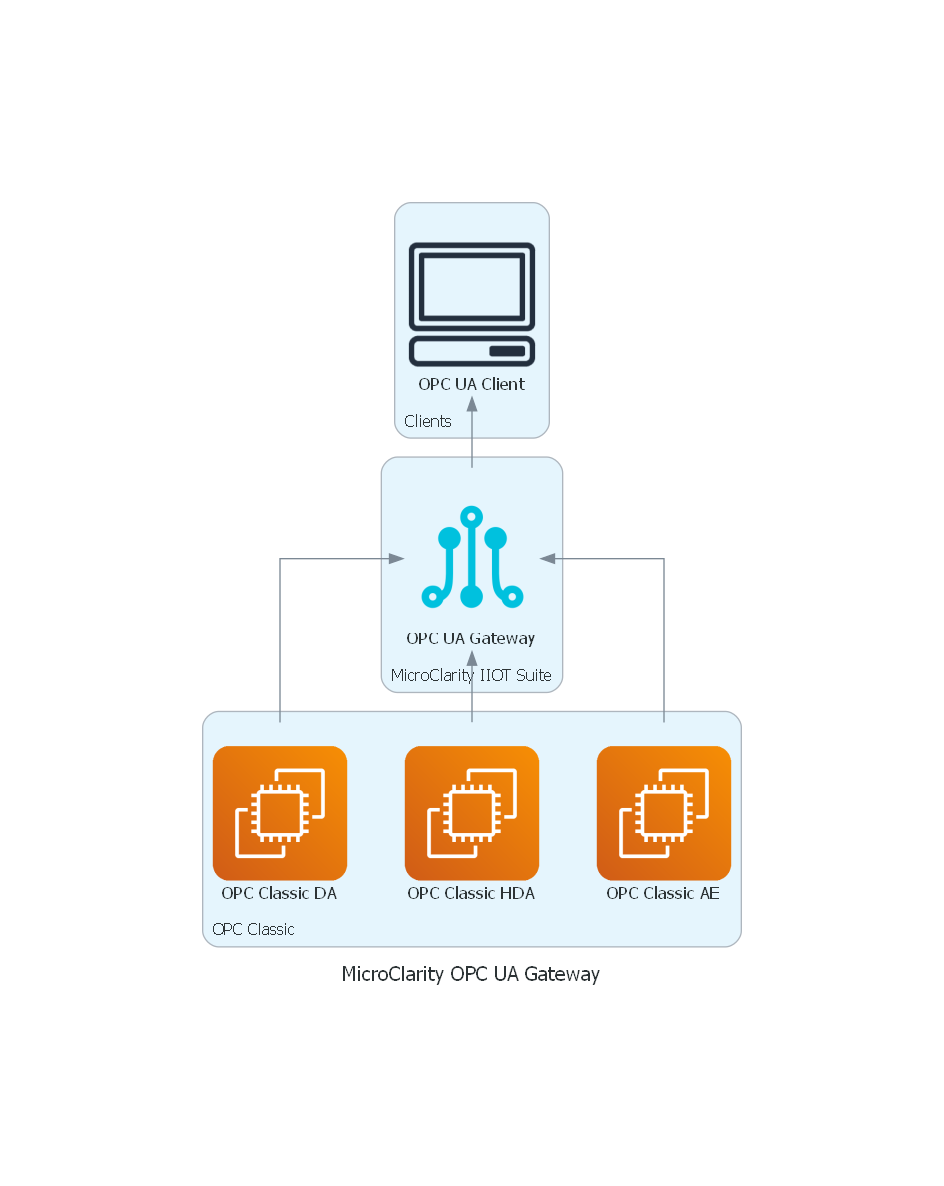
MicroClarity OPC UA Gateway bridges the gap between legacy OPC Classic infrastructure and modern OPC UA clients. It connects to your existing OPC Classic DA servers for real-time data, OPC Classic HDA servers for historical data, and OPC Classic AE servers for alarms and events — then exposes all of them through a single OPC UA endpoint.

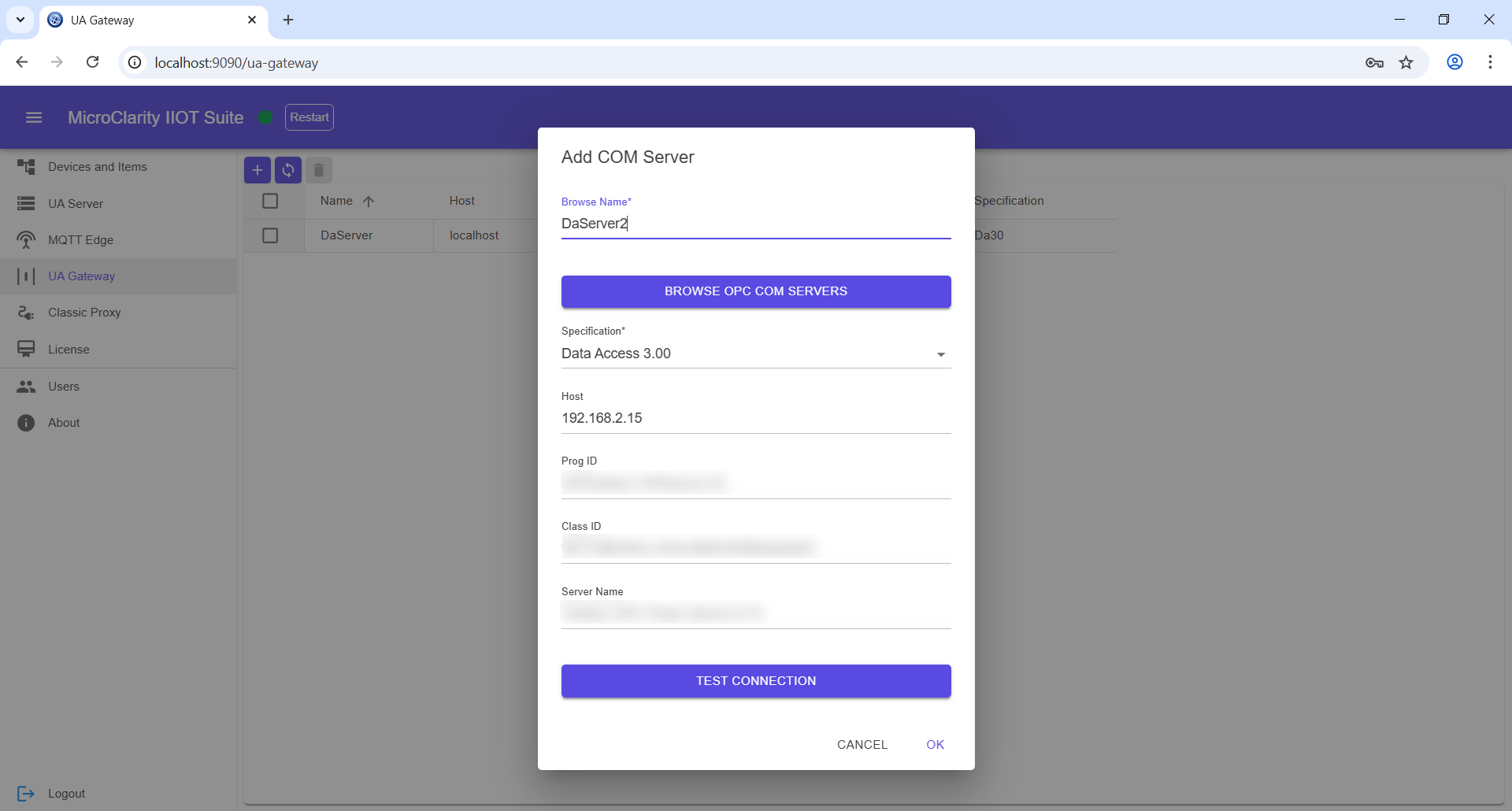
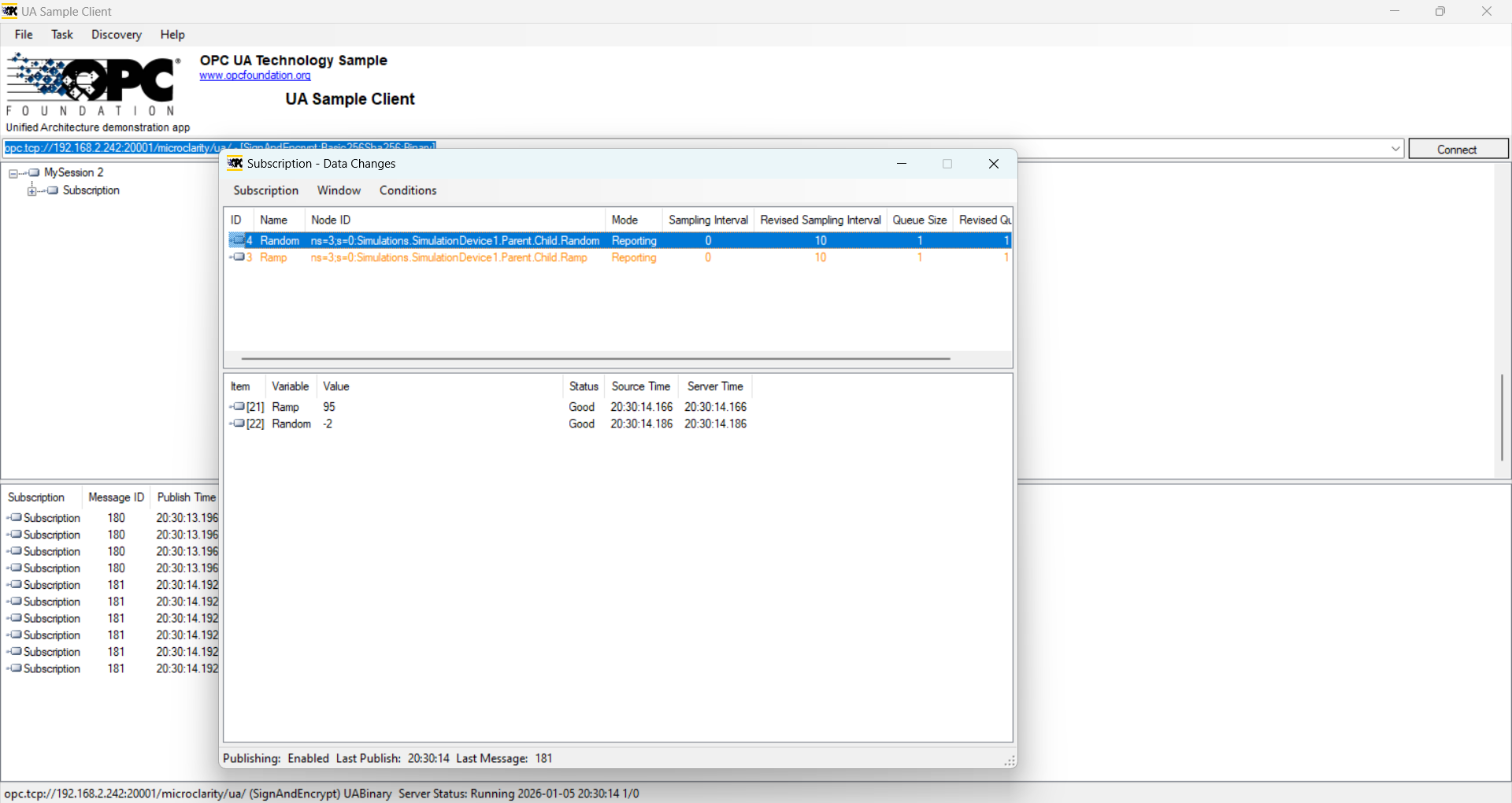
The Gateway aggregates multiple OPC Classic servers into a unified OPC UA address space. OPC UA clients connect once to the Gateway and can browse, read, write, subscribe, and access historical data from all wrapped servers without needing to understand OPC Classic protocols or manage DCOM configurations.

By translating OPC Classic to OPC UA, the Gateway enables you to leverage modern OPC UA security features — including certificate-based authentication and encryption — while preserving your investment in existing OPC Classic infrastructure. No changes to your PLCs or existing OPC servers are required.

Features
  • OPC Classic to OPC UA Translation
  • OPC Classic DA, HDA & AE Support
  • Unified OPC UA Address Space
  • Modern OPC UA Security
  • Full Address Space Mapping
  • Aggregate Multiple Classic Servers
OPC Classic Support
  • OPC DA (Data Access) — real-time data
  • OPC HDA (Historical Data Access) — historical values
  • OPC AE (Alarms & Events) — alarms and conditions
  • Aggregate multiple Classic servers
Modernization Benefits
  • OPC UA security (certificates, encryption)
  • Eliminate DCOM configuration complexity
  • Platform-independent OPC UA access
  • No changes to existing infrastructure
Default credentials: admin / admin