MicroClarity OPC Classic Proxy (Windows Only)

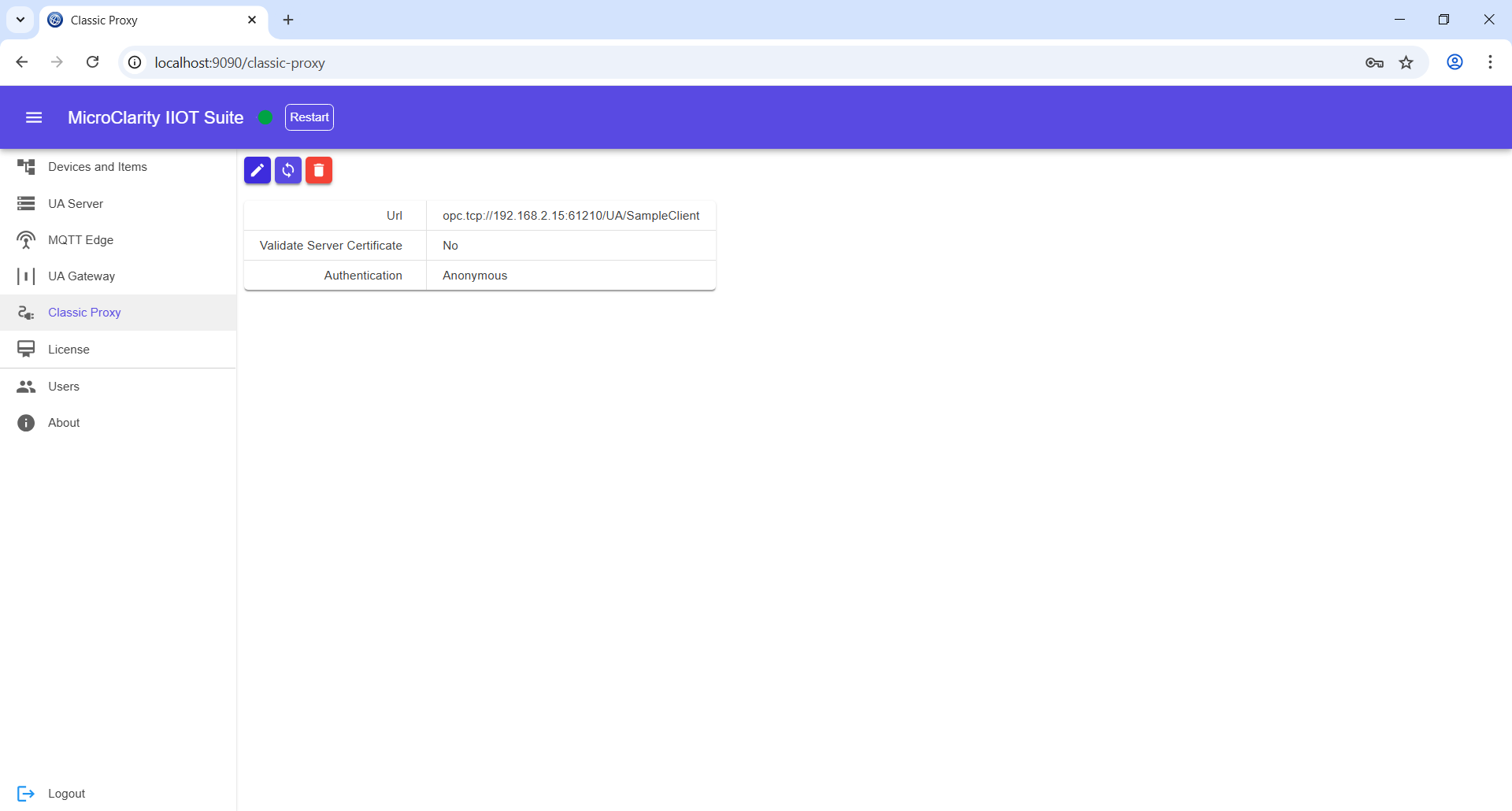
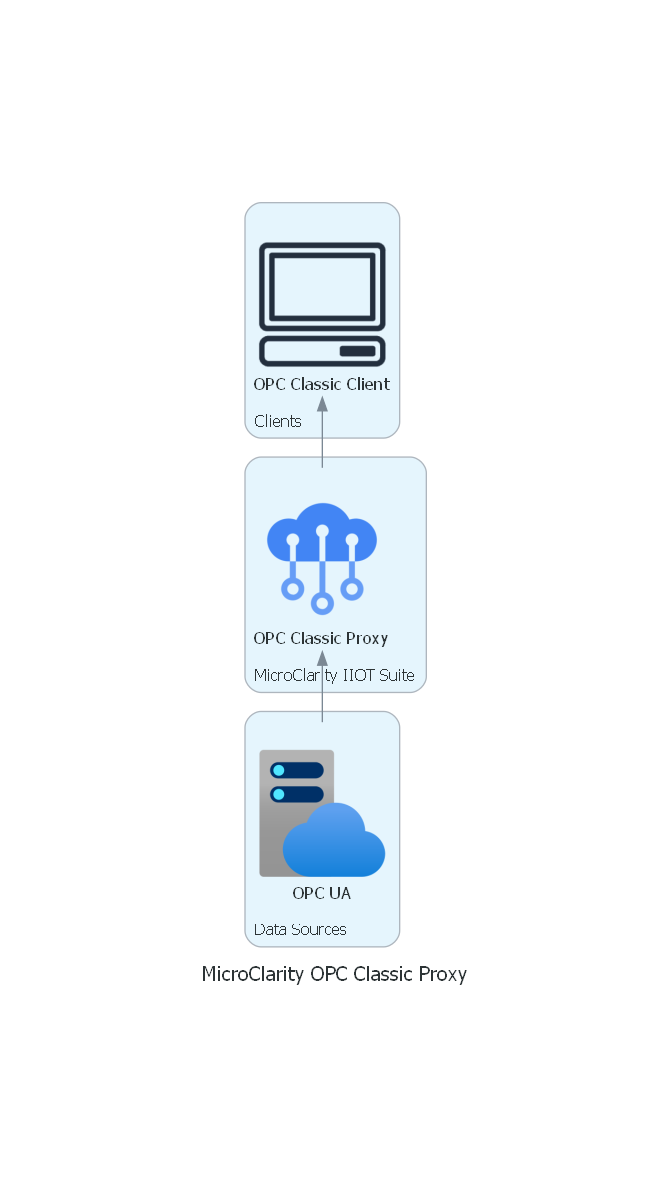
MicroClarity OPC Classic Proxy connects to OPC UA servers and exposes their data through OPC Classic interfaces — DA, HDA, and AE. Integrate modern OPC UA devices into your existing OPC Classic infrastructure without changing your legacy applications.

OPC UA to OPC Classic Translation
Exposes OPC UA as OPC DA Server
Exposes OPC UA as OPC HDA Server
Exposes OPC UA as OPC AE Server
Seamless OPC UA Device Integration
Full Address Space Mapping
Windows Platform
Overview

MicroClarity OPC Classic Proxy bridges the gap between modern OPC UA devices and legacy OPC Classic environments. It connects to an OPC UA server and exposes their functionality through standard OPC Classic interfaces that your existing SCADA, HMI, and historian applications already understand.

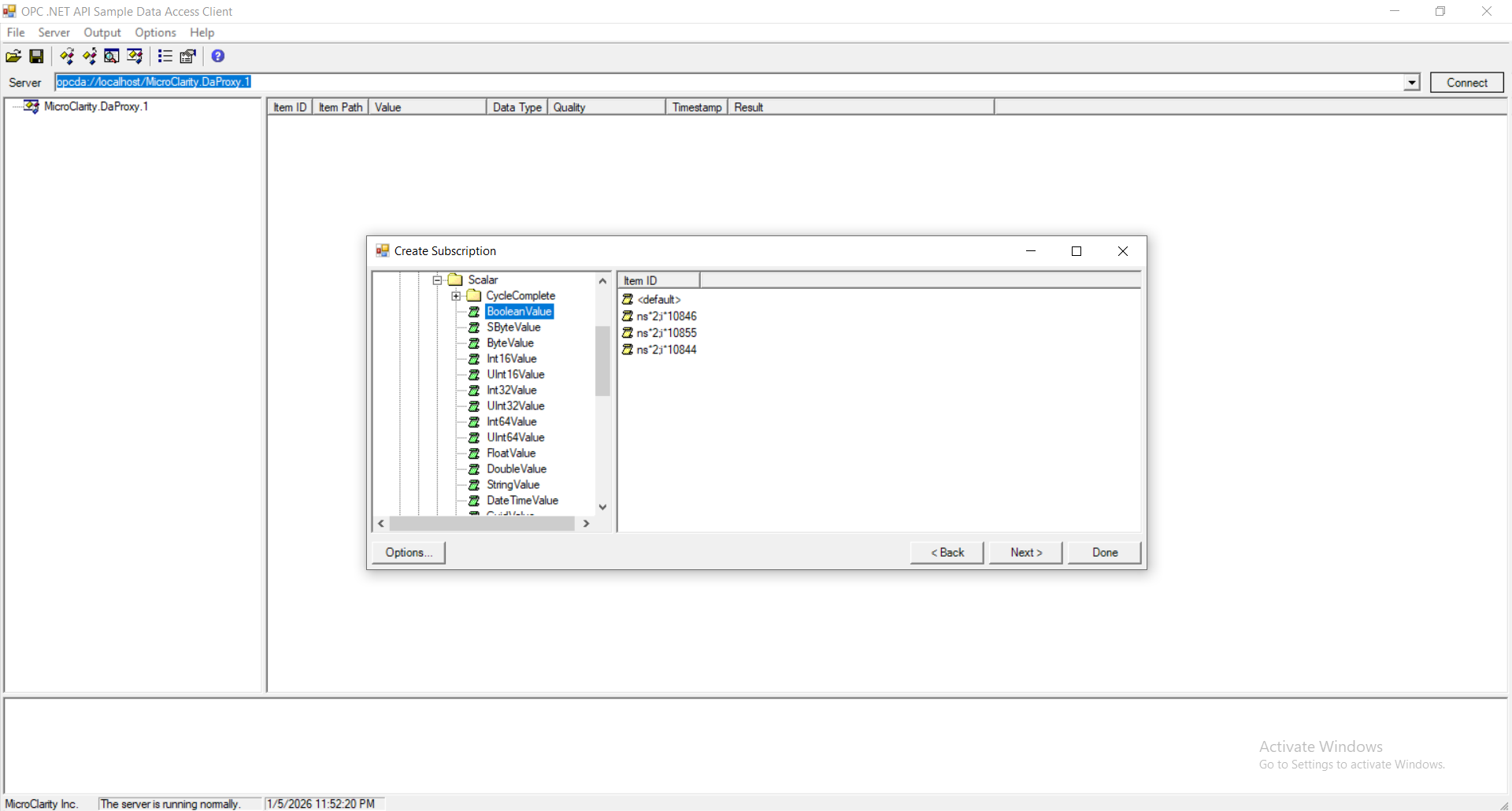
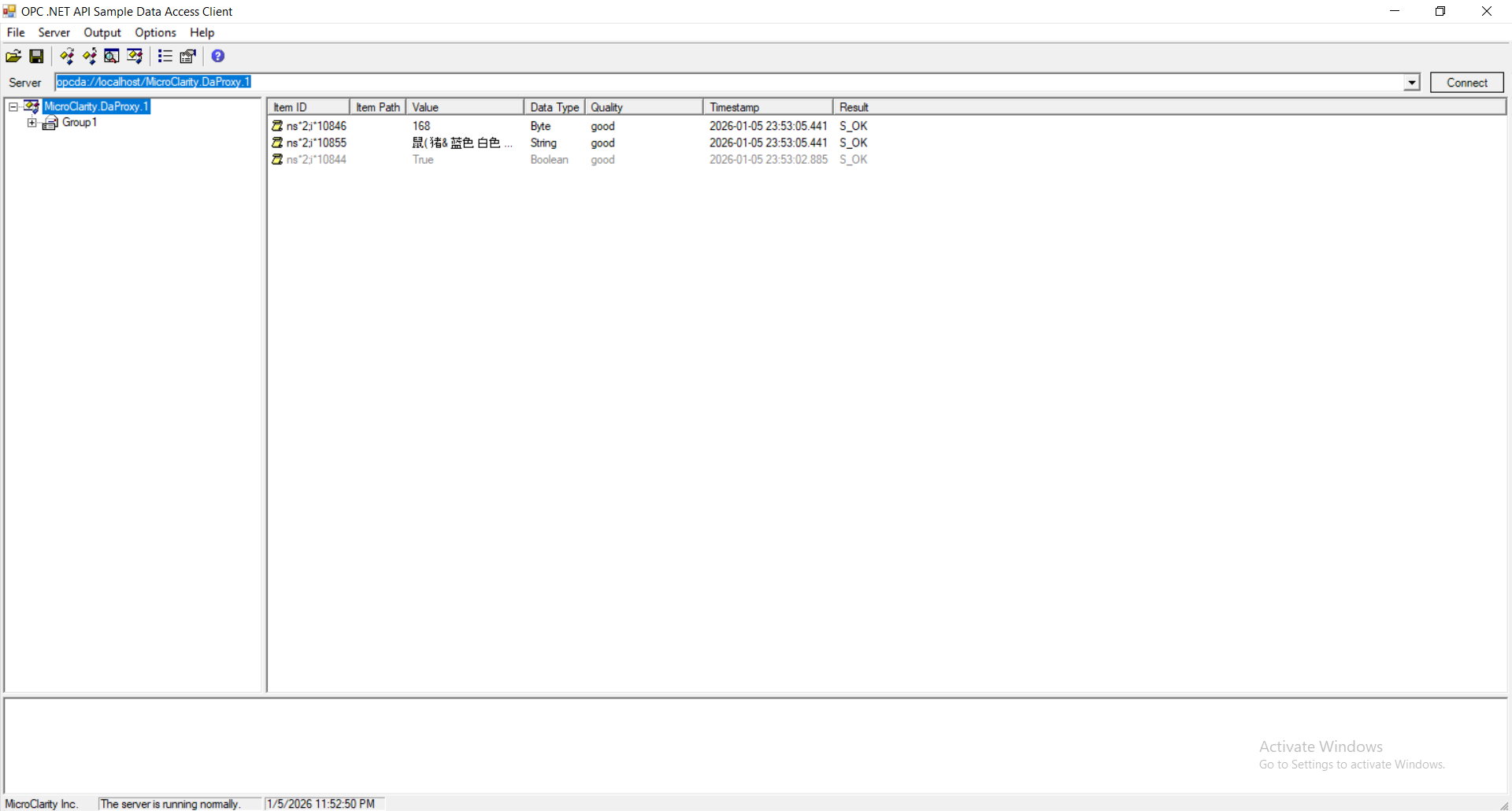
The Proxy translates OPC UA capabilities into three OPC Classic server types: OPC DA (Data Access) for real-time data, OPC HDA (Historical Data Access) for historical values, and OPC AE (Alarms & Events) for alarm and event notifications. Your legacy applications connect to the Proxy via COM/DCOM and access OPC UA data as if it were native OPC Classic data.

This is ideal for environments that still rely heavily on OPC Classic technologies but need to integrate new devices that only support OPC UA. Instead of upgrading your entire OT infrastructure, you can use the OPC Classic Proxy to seamlessly bring OPC UA devices into your existing ecosystem — preserving your investment in legacy software while adopting modern hardware.

Features
  • OPC UA to OPC Classic Translation
  • Exposes OPC UA as OPC DA Server
  • Exposes OPC UA as OPC HDA Server
  • Exposes OPC UA as OPC AE Server
  • Seamless OPC UA Device Integration
  • Full Address Space Mapping
  • Windows Platform
OPC Classic Server Interfaces
  • OPC DA — real-time data access from OPC UA
  • OPC HDA — historical data from OPC UA Historical Access
  • OPC AE — alarms and events from OPC UA Alarms & Conditions
Integration Benefits
  • Integrate OPC UA devices into OPC Classic environments
  • No changes to legacy SCADA, HMI, or historian
  • Preserve investment in existing OT infrastructure
  • Adopt new OPC UA hardware without migration
Default credentials: admin / admin