MicroClarity MQTT Edge

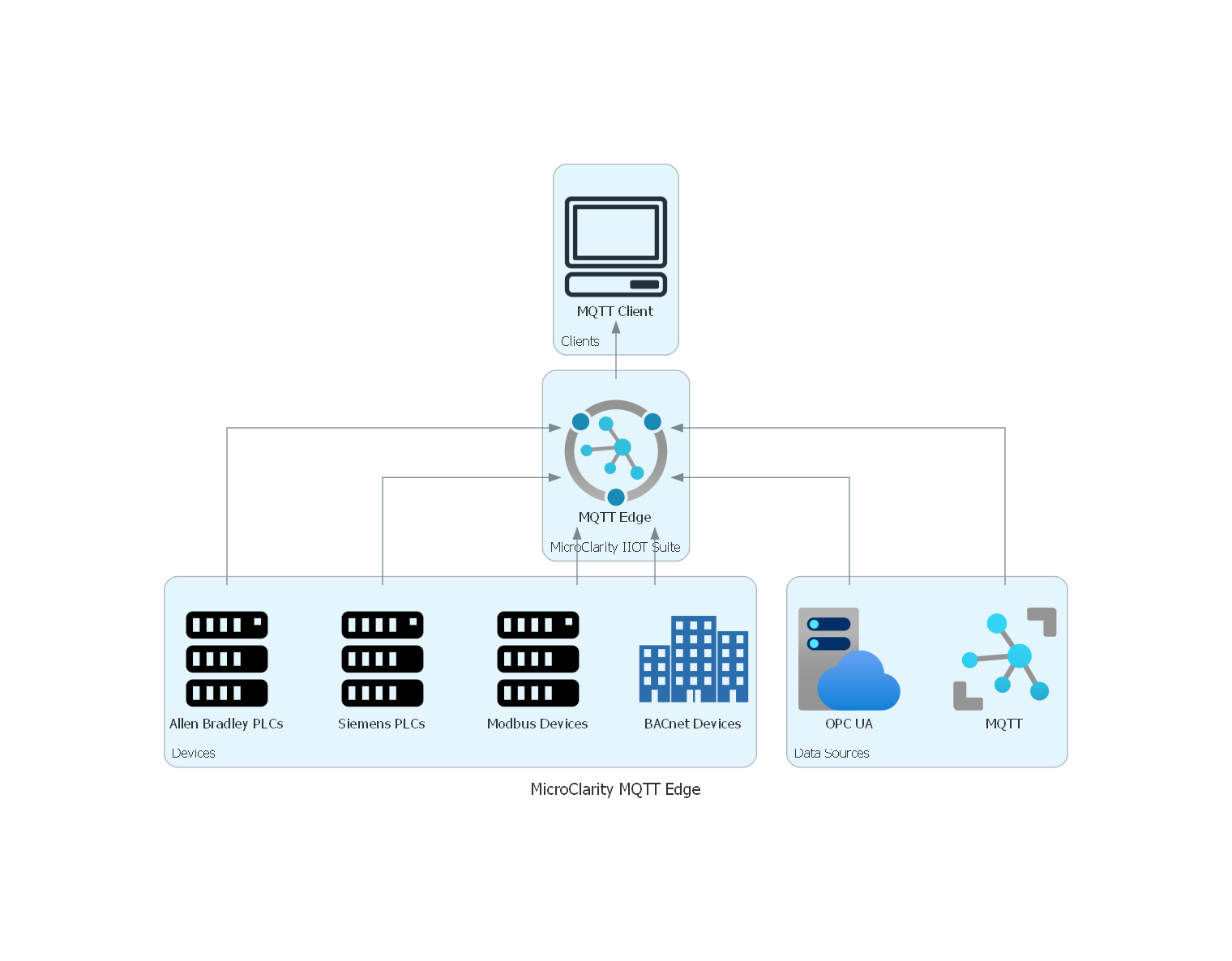
MicroClarity MQTT Edge connects to heterogeneous industrial data sources — Allen-Bradley ControlLogix PLCs, Siemens S7 PLCs, Modbus, BACnet, OPC UA, and MQTT — and exposes them through a built-in MQTT broker. MQTT clients connect once to access all configured data as structured topics with JSON payloads.

Built-in MQTT Broker
Multi-Protocol Connectivity
Device / Group / Item Hierarchy
On-Demand Device Connections
Flexible Authentications
Cross-Platform (Windows & Linux)
Overview

MicroClarity MQTT Edge is a unified data hub that bridges the gap between industrial devices and MQTT-based applications. It connects to a wide range of data sources — including Allen-Bradley ControlLogix PLCs, Siemens S7 PLCs, Modbus devices, BACnet controllers, OPC UA servers, and other MQTT brokers — and exposes all of them through its built-in MQTT broker.

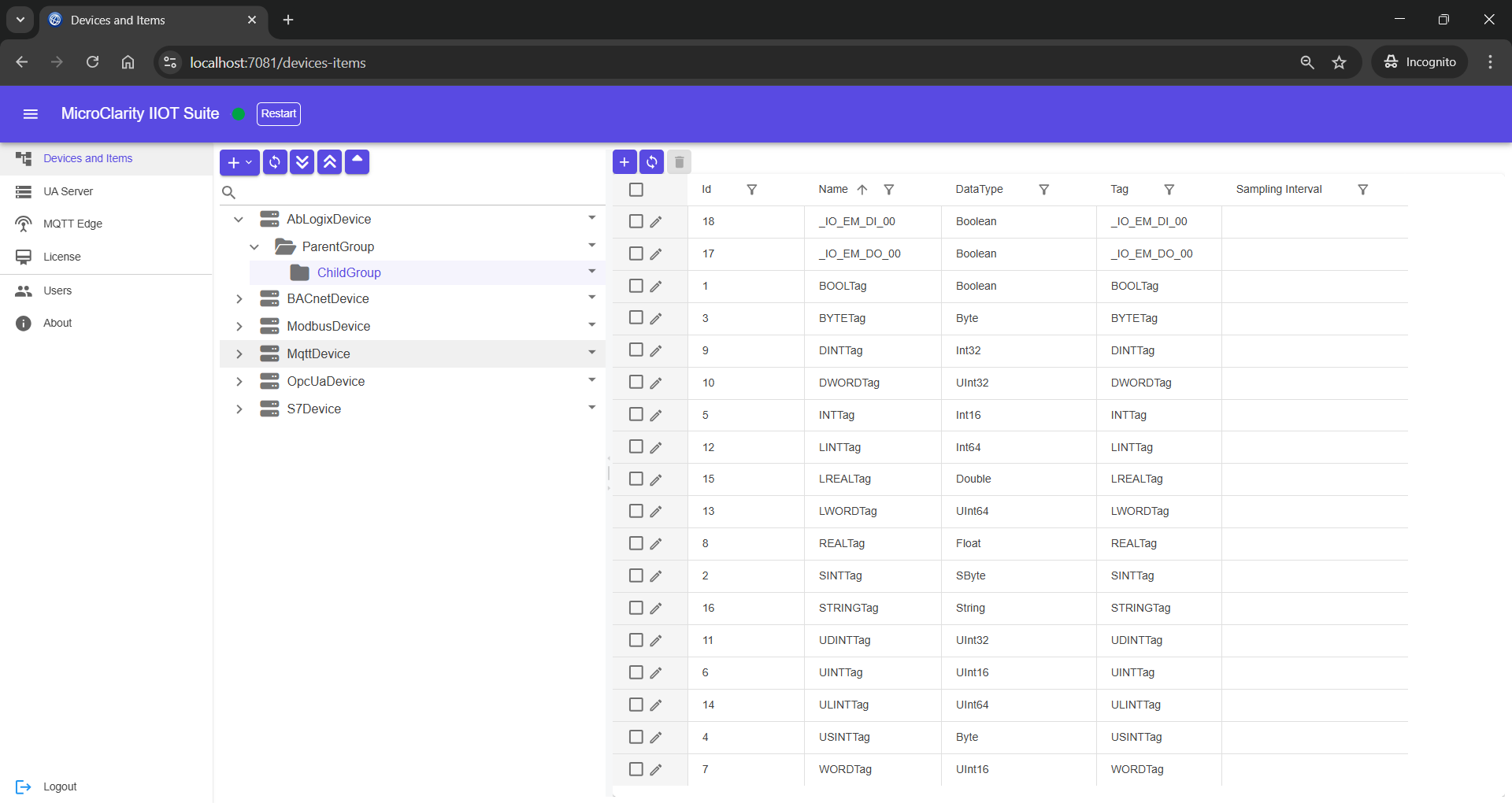
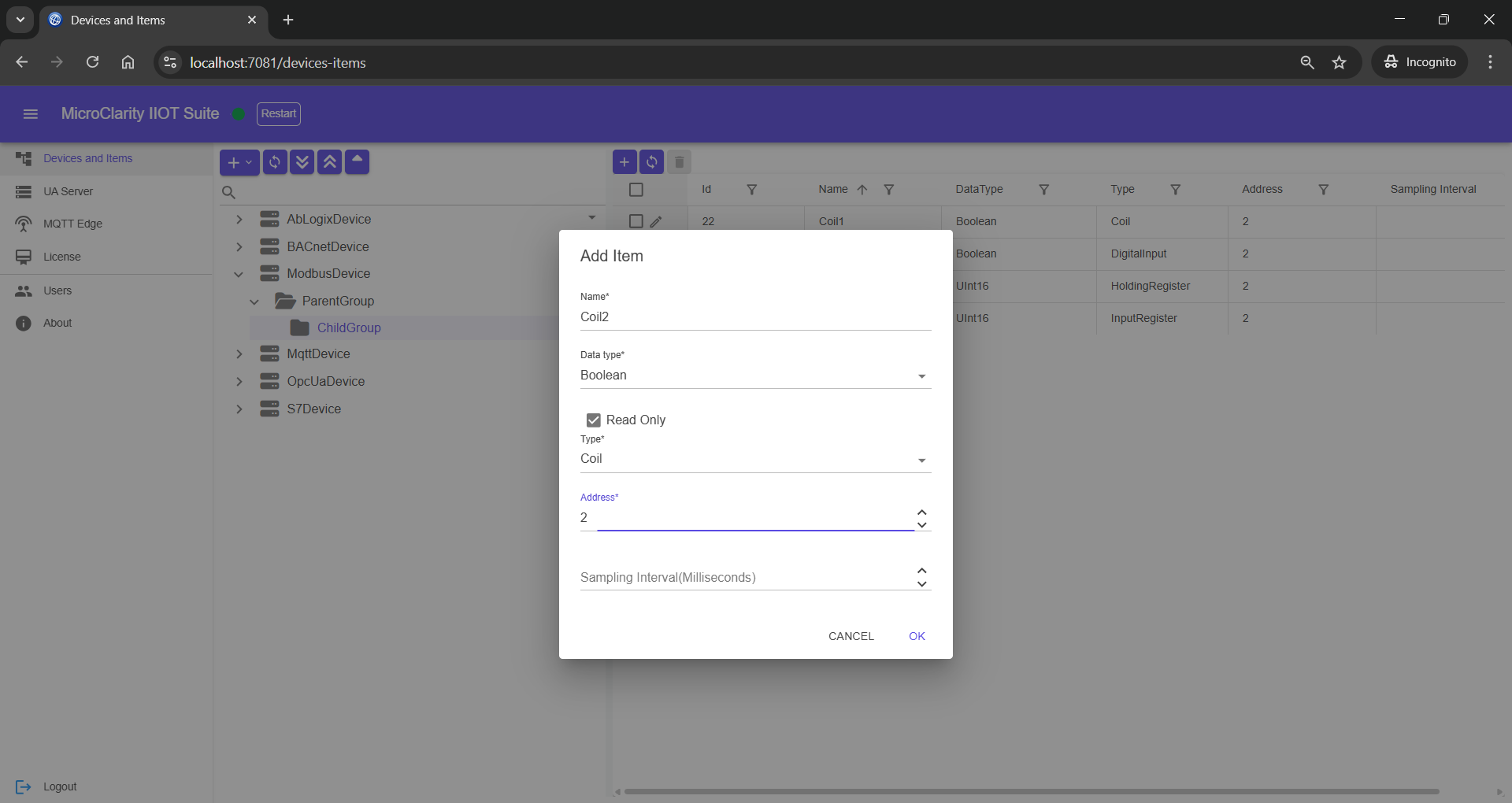
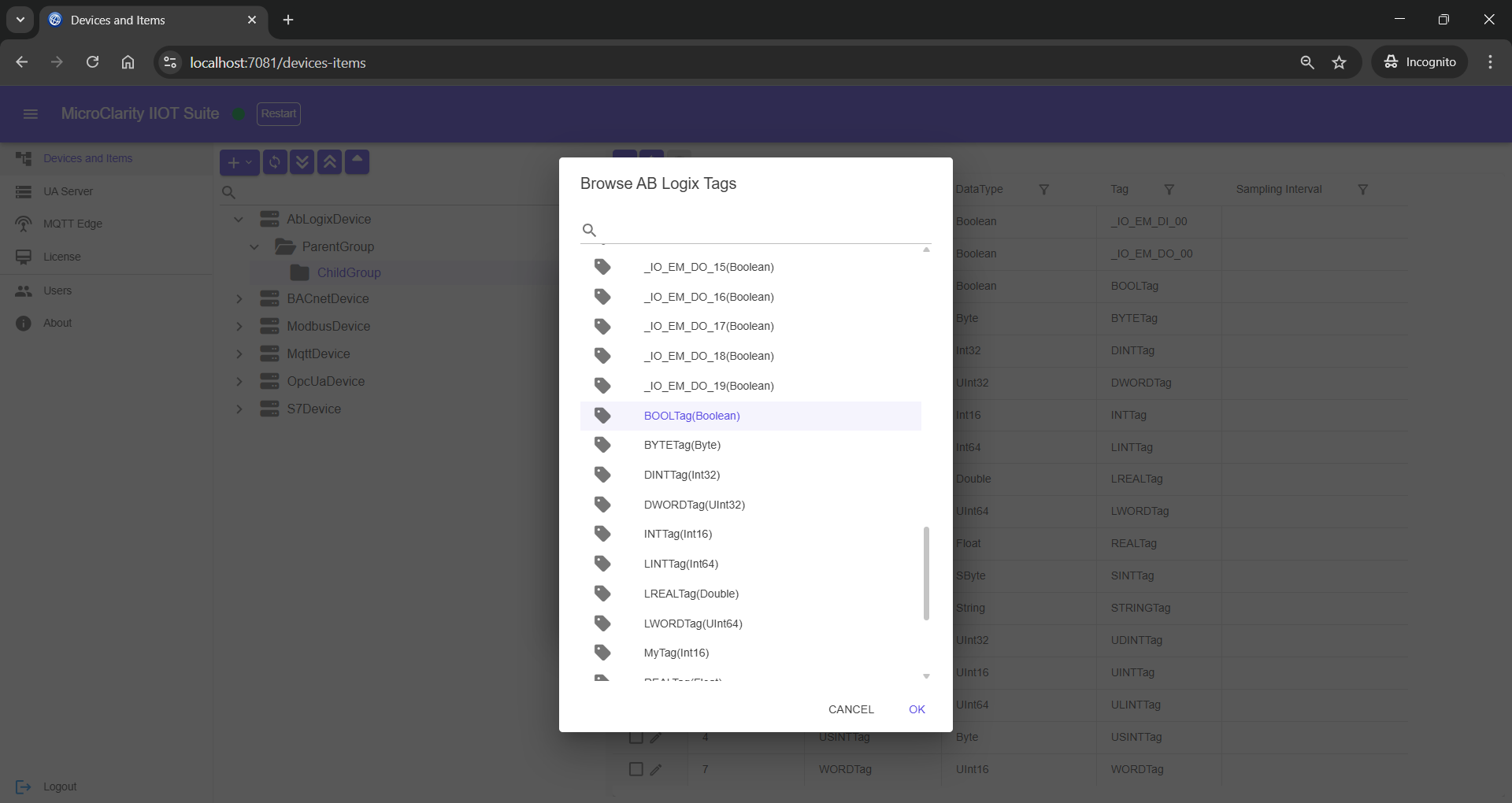
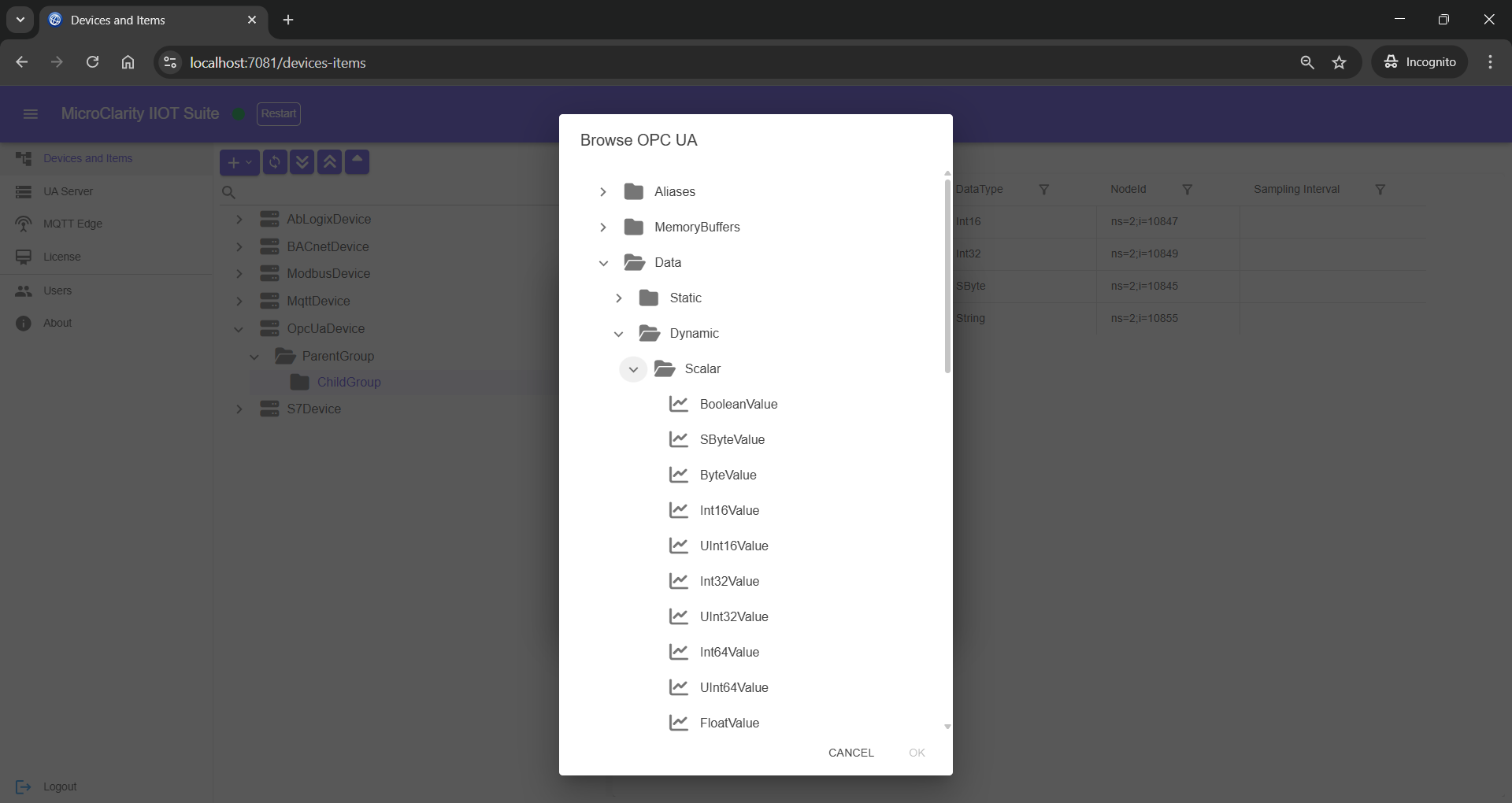
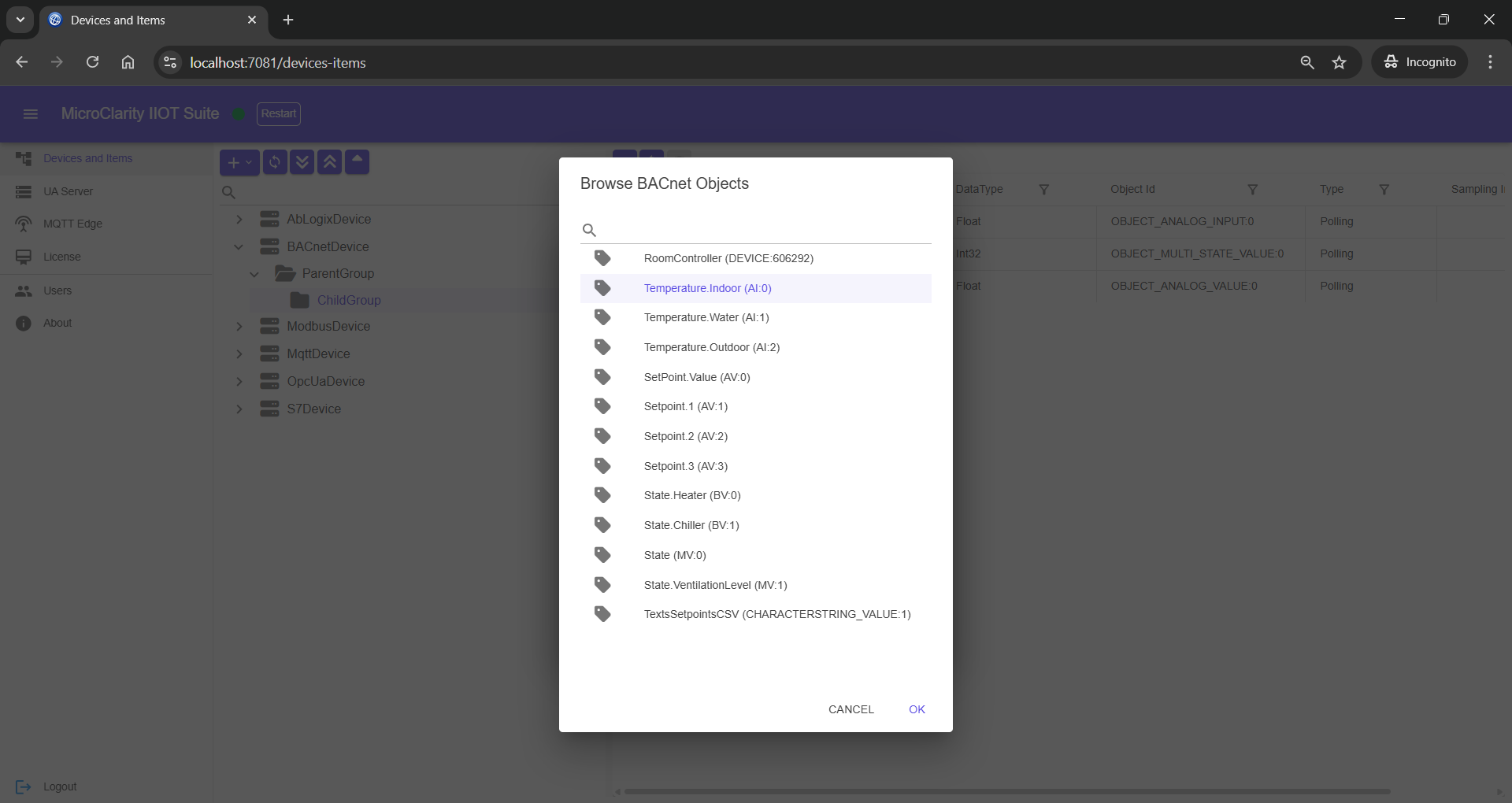
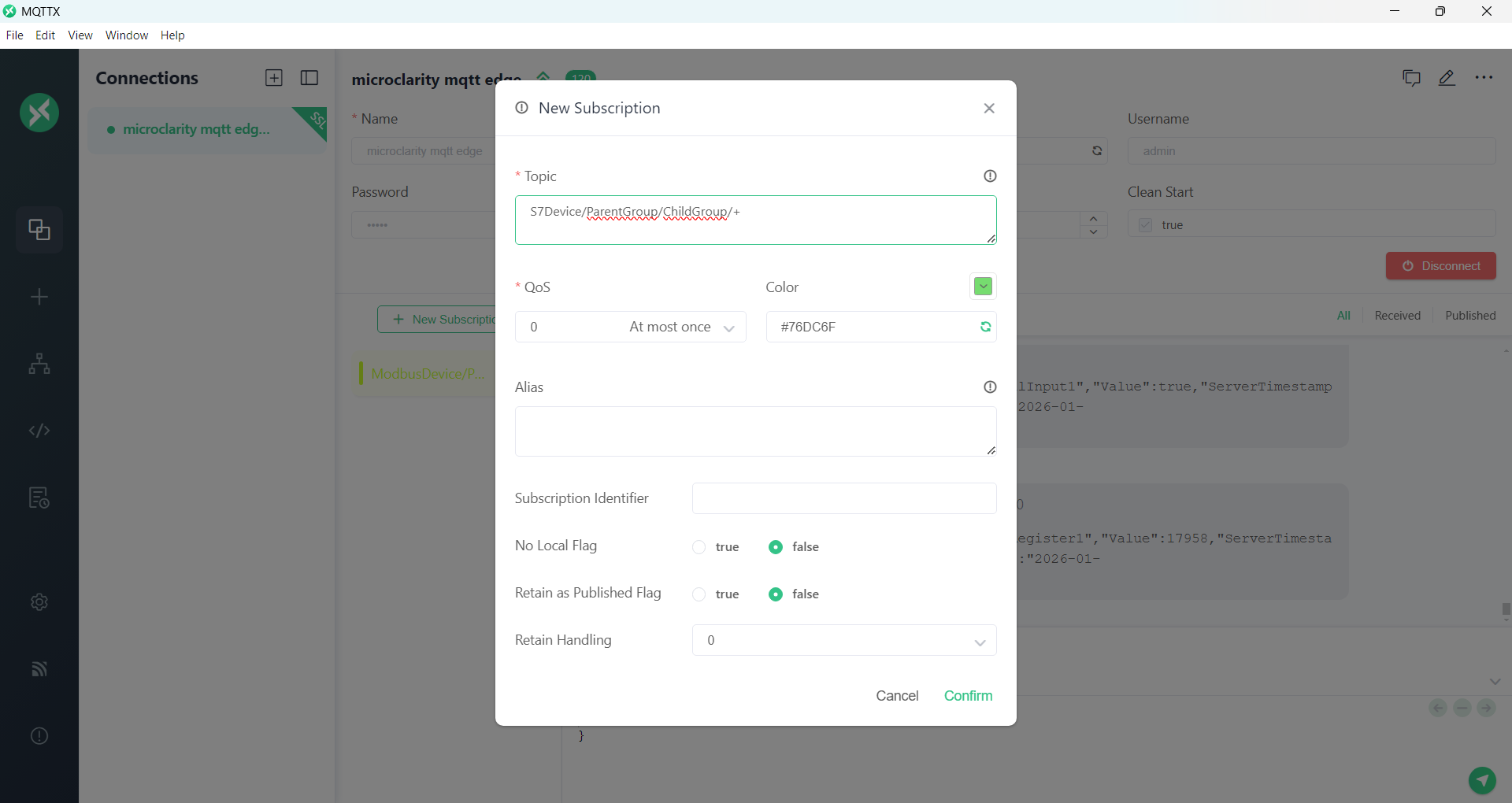
Each connected data source is represented as a Device in the MQTT topic hierarchy. Under each Device, you define nested Groups (for areas, subsystems, or functional blocks) and Items (for individual tags or data points). This hierarchy forms the MQTT topic structure, making it easy for MQTT clients to subscribe to exactly the data they need.

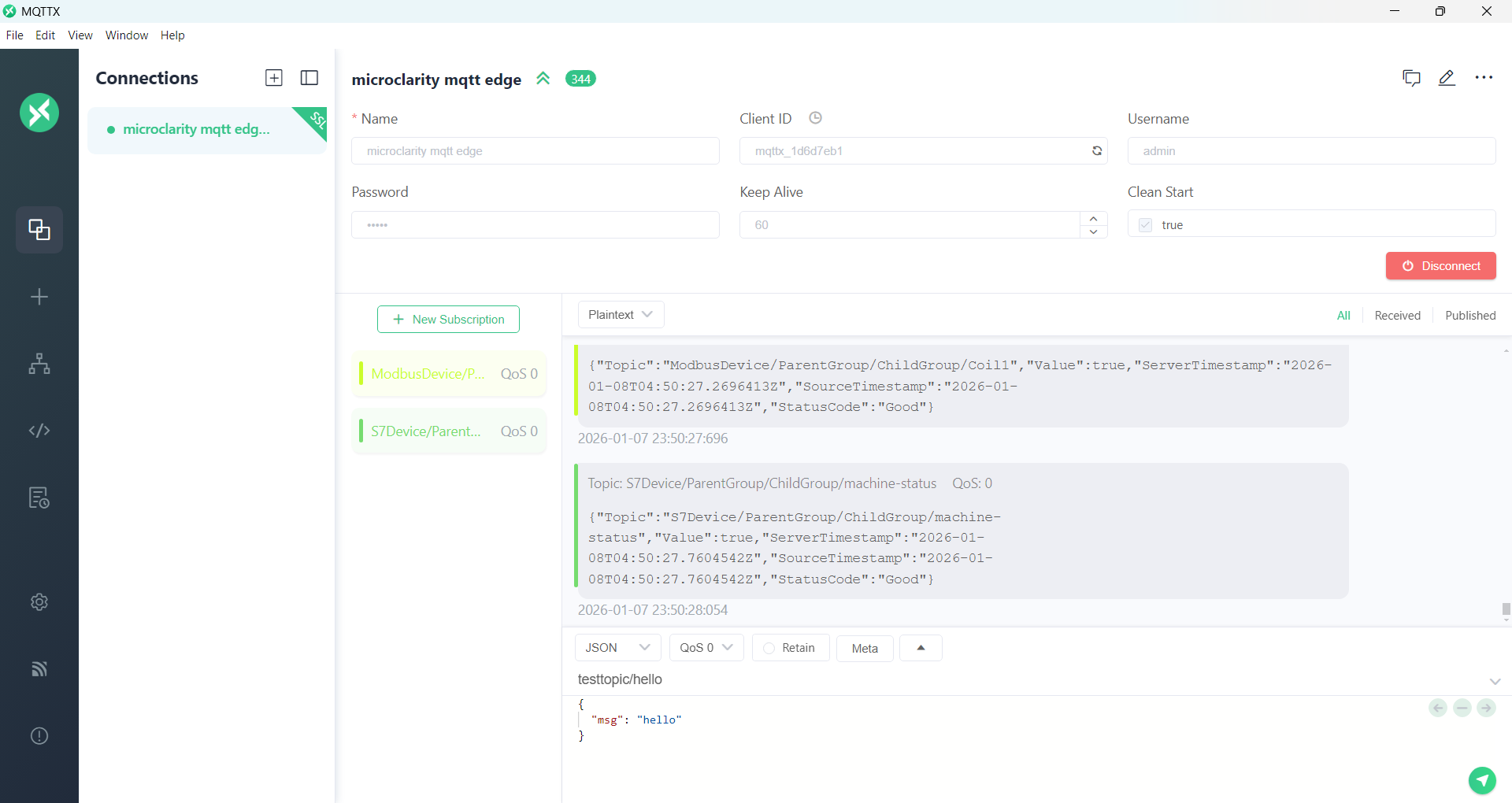
MQTT Edge uses on-demand device connections: if no MQTT clients are subscribed to a device's topics, MQTT Edge won't connect to that device. This reduces network traffic and device load, connecting only when data is actually needed. All data is published as JSON payloads, providing a simple, human-readable format for integration with analytics, historians, and cloud platforms.

Features
  • Built-in MQTT Broker
  • Multi-Protocol Connectivity
  • Device / Group / Item Hierarchy
  • On-Demand Device Connections
  • Flexible Authentications
  • Cross-Platform (Windows & Linux)
Connectivity
  • Allen-Bradley ControlLogix PLCs
  • Siemens S7 PLCs
  • Modbus (TCP / RTU)
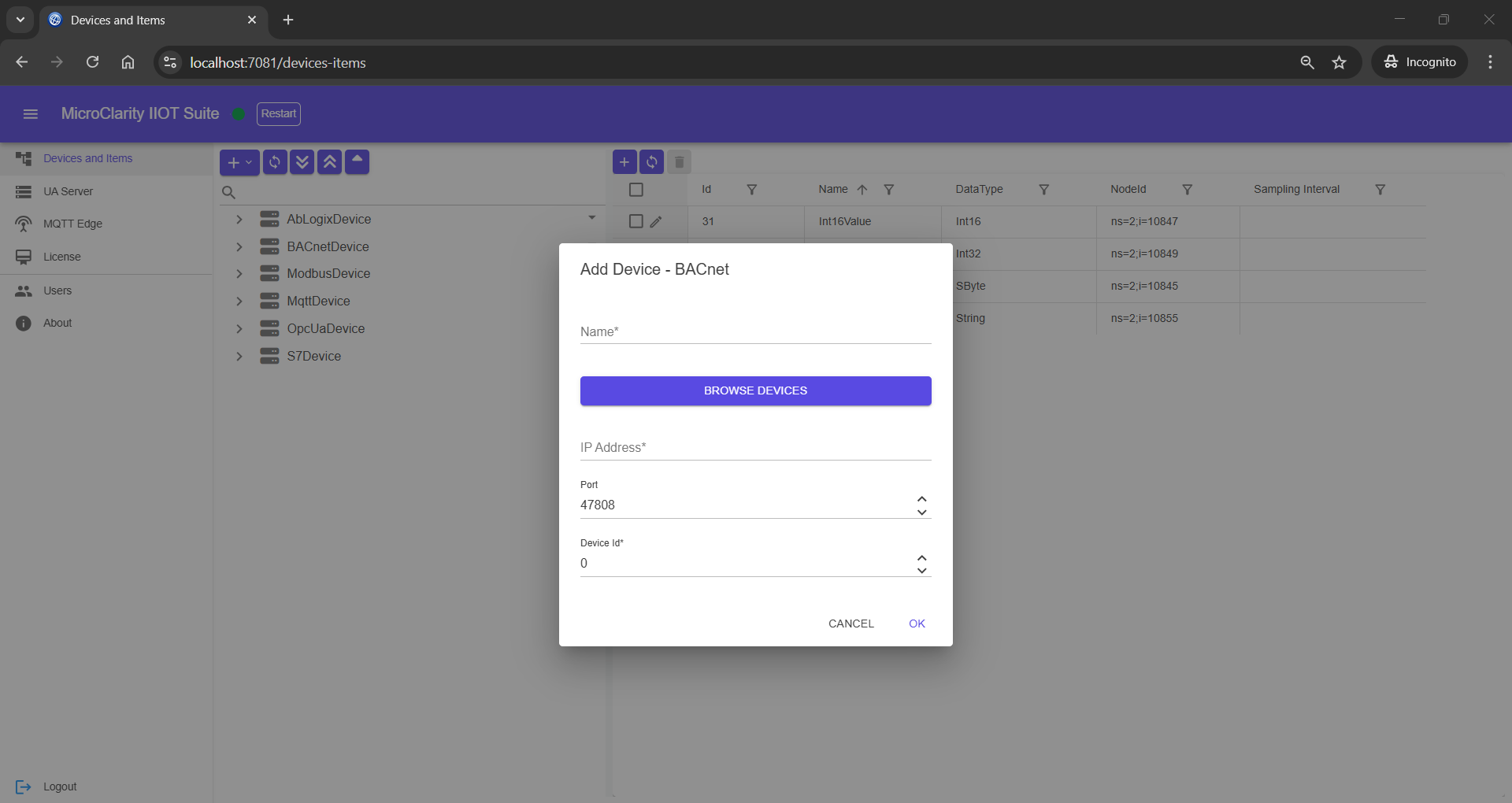
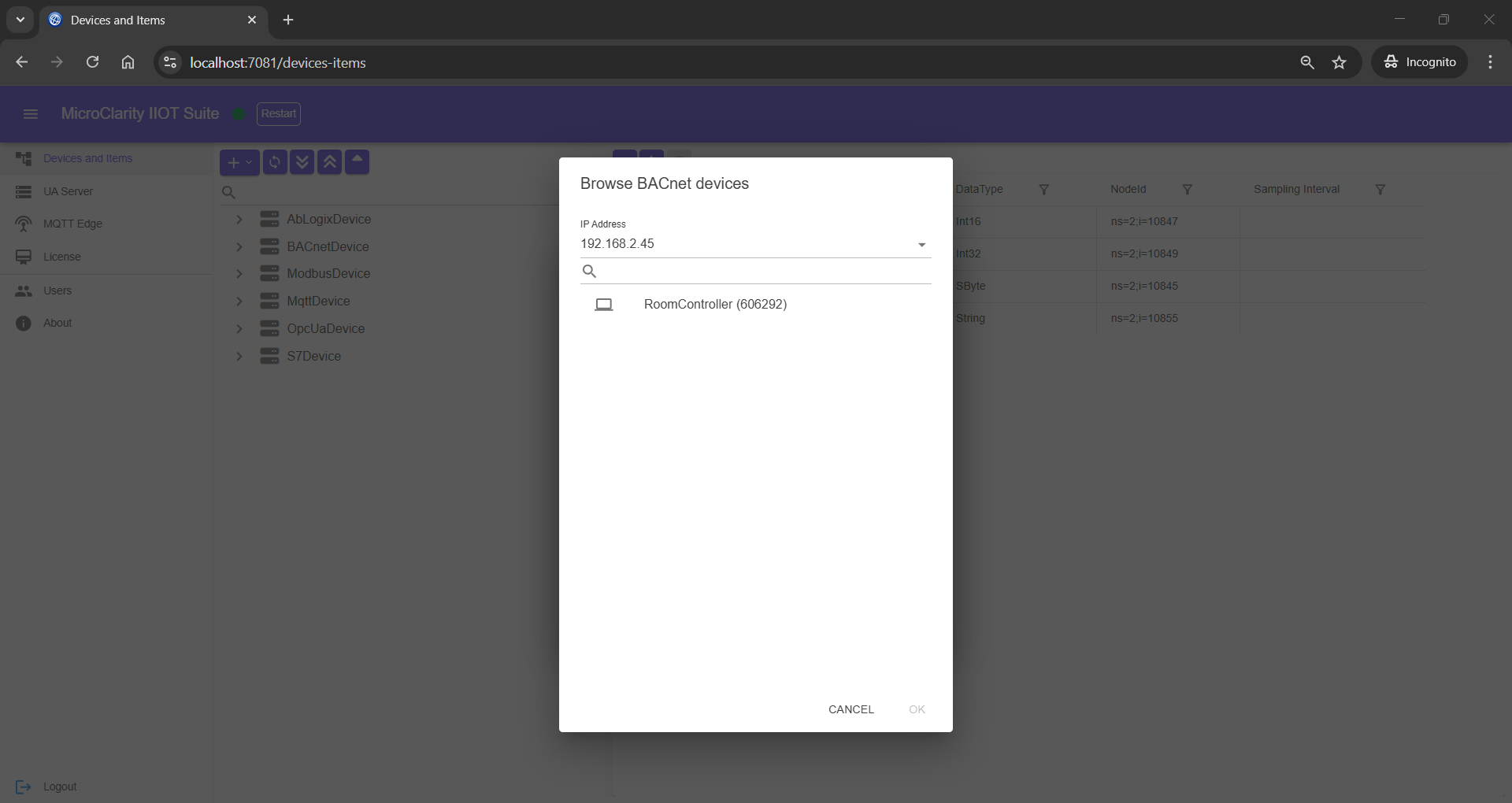
  • BACnet building automation systems
  • OPC UA servers
  • MQTT brokers
MQTT Topic Structure
  • Device / Group / Item topic hierarchy
  • JSON payload format
  • On-demand connections (subscribe to activate)
  • Built-in MQTT broker included
Default credentials: admin / admin